A glimpse into a creative process at Donaukanal, Vienna. Claim the video if you participated!
Salztorbrücke / Vienna
5 June 2020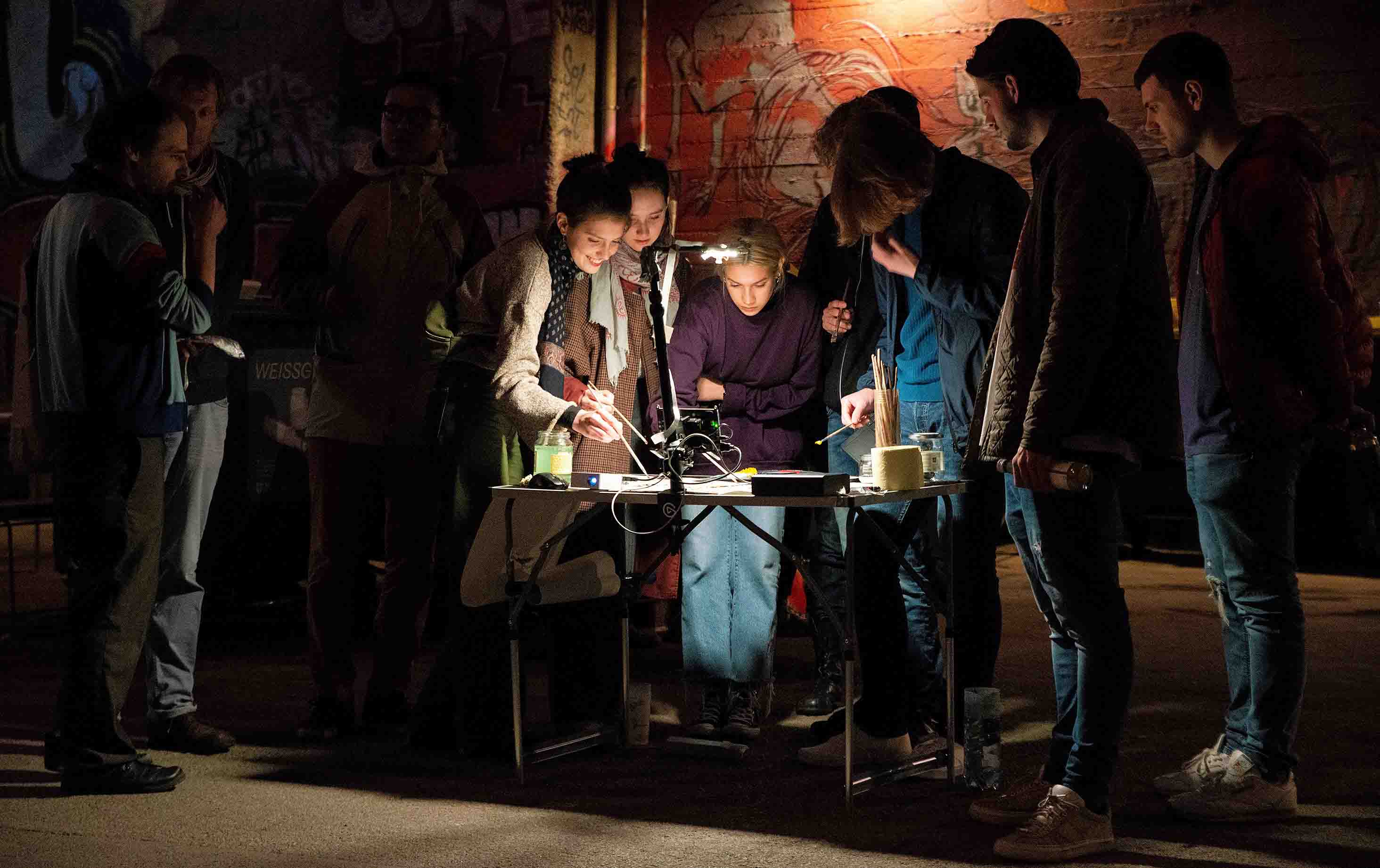

Any laptop or mobile computer with USB for a webcam and HDMI for a beamer on Linux, Windows, or macOS. For a low budget, a Raspberry Pi will do (≈ 30 €).

Any USB webcam. Or any system-recognised camera device like a smartphone.

A portable beamer to showcase the artistic process’ outcomes. For flexibility, use one that can run from a power bank.

Free & Open. You can access insitu stop-motion directly online. After the first registration, simply enter a project name and click the “Create & start” button. You can export your final footage as a video or as a zip folder of images, and delete your project when you’re done. Please be aware that the project space is a virtual public space. Everything remains visible and accessible to any user until it is deleted. We, as the website owners, assume no responsibility for user-generated content and cannot guarantee its removal or integrity once shared or accessed by others.
If you need to run insitu stop-motion locally, you're welcome to contact us
Explore the outcomes of insitu ani·motion interventions. If you participated, you’re welcome to download the material here and use it as you like.
A glimpse into a creative process at Donaukanal, Vienna. Claim the video if you participated!
Salztorbrücke / Vienna
5 June 2020Outcomes from the first session at the Venice Art Biennial.
Venice Art Biennial / Italy
11 June 2022Outcomes from the second session at the Venice Art Biennial.
Venice Art Biennial / Italy
12 June 2022